RapidScale delivers Managed Azure Virtual Desktop (AVD) with professional implementation, 24/7/365 support, proactive monitoring, and FinOps management so your team stays productive from any device, anywhere.
Virtual desktops, run and cost-optimized, not just deployed
RapidScale takes on the architecture, deployment, management, and cost governance of your Azure Virtual Desktop environment, so your IT team can focus on strategic work instead of keeping desktops running.
- Deliver the desktop experience your users expect, with environments engineered to handle login storms and keep sessions responsive under load.
- Cut internal support overhead with 24/7/365 direct access to our engineers.
- Keep Azure spend predictable with auto-scaling and Reserved Instance management that cut waste on idle capacity.

Comprehensive service lifecycle
Whether you need a one-time transformation or an evergreen management partner, we offer flexible engagement models across all major platforms.

Advise
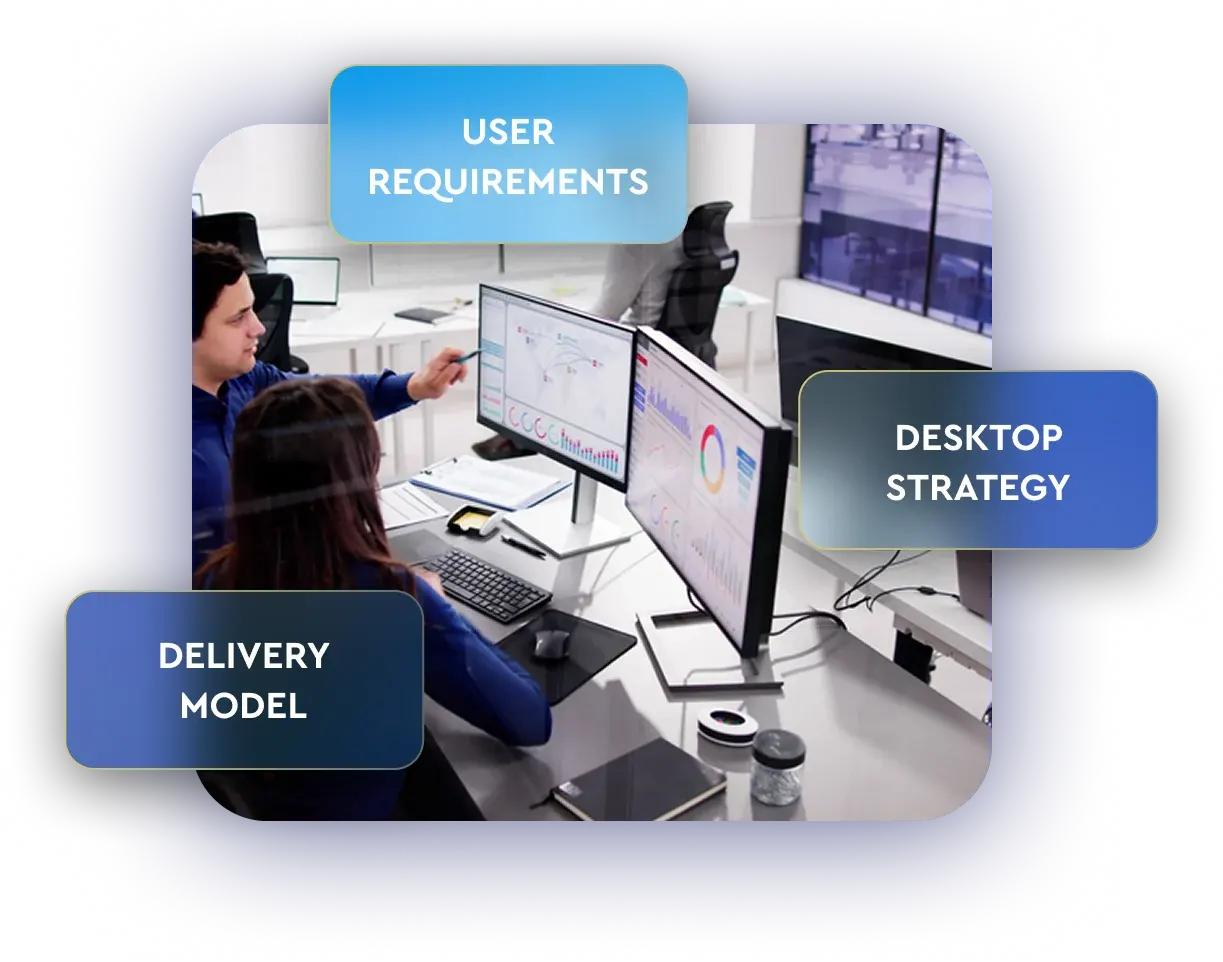
Define the right strategy
The wrong host pool design or identity model is expensive to unwind later, so we ensure we get the decisions right before anything gets built.
- Assess your device types, application portfolio, and performance requirements to define the right desktop and session host model
- Evaluate your Active Directory environment, licensing position, and Entra ID configuration to define the right identity and MFA approach
- Review your existing Microsoft licensing to surface AVD access rights you may already own before adding new spend
Implement
Deployed right the first time.
We take AVD from infrastructure build through user enablement, with a dedicated project manager and certified engineers owning every step of the way.
- Build and configure Azure infrastructure, networking, storage, and Active Directory integration from the ground up
- Configure host pools, session hosts, FSLogix profiles, application layering, and security policies to match your workforce requirements
- Enable MFA, Defender for Endpoint, OS patching, and autoscaling so the environment is fully operational before users log in for the first time
Manage
Ongoing support keeps you on track
AVD needs attention around the clock, not just business hours. Your IT admins get a direct line to certified engineers, your users get a stable, responsive desktop every time they log in, and your Azure spend stays under control.
- Monitor AVD infrastructure continuously with proactive alerting, automated remediation, and 24/7/365 incident response from our certified engineers
- Manage desktop master images, OS patching, pool assignments, GPOs, and configuration changes around your requirements and change windows
- Own Microsoft escalations and deliver FinOps reporting and cost optimization that keep your Azure spend predictable, with no billing surprises
Case Study
See how MHS Lift supported nationwide growth with a more flexible and resilient desktop environment.

Azure Virtual Desktop, done properly from day one
We review your user requirements, current environment, and Microsoft licensing to give you a clear, prioritized path to deployment, configuration, and ongoing management.
- Identify the right host pool model, session host configuration, and Azure region for your users and workloads.
- Define your Active Directory integration and licensing requirements, and surface the AVD access rights you may already own before adding new spend.
- Leave with a concrete next step and the plan to execute it, not a list of options to figure out on your own.